For those affected by COVID-19, please click this link to learn more about the Electricity Relief Program.

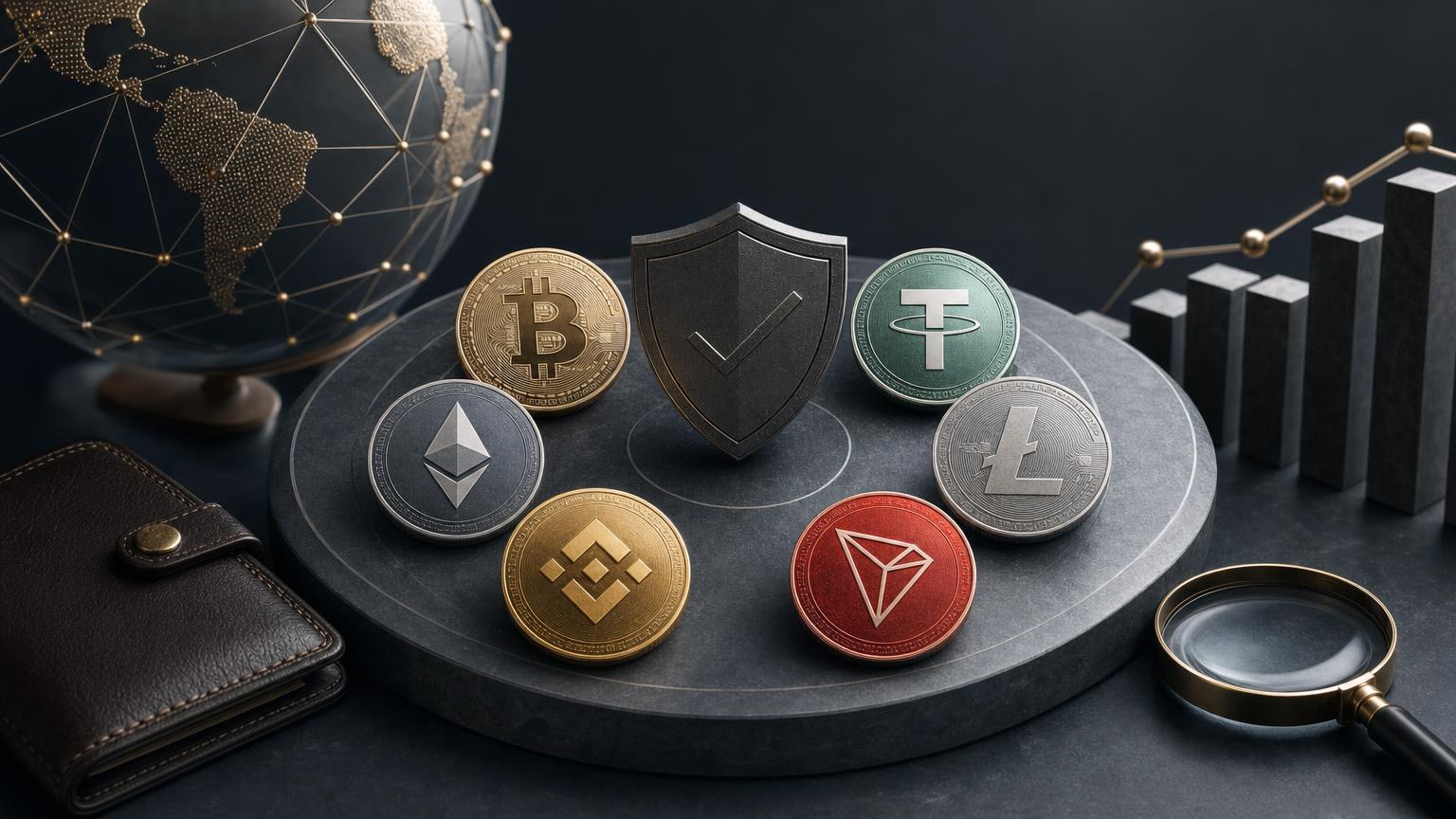
A safe crypto exchange begins before a transaction is signed. The practical goal is to prove that the selected asset, blockchain network, destination details, amount and expected result all describe the same operation. If one element differs, the route should stop before funds leave the wallet.
This guide follows one route: exchanging an asset you already hold for another supported asset. It applies to BTC, ETH, USDT, LTC, BNB, TRX and XMR, but the required checks are not identical. Native coins use their own blockchains, while tokens such as USDT may exist on several networks. Deposit identifiers, fee mechanisms and confirmation requirements can also vary by direction and receiving platform.
The asset symbol answers only part of the question. Before sending, determine whether the asset is a native coin or a token issued on a particular blockchain. BTC and LTC are native assets of their respective networks. ETH is native to Ethereum, while BNB may be encountered in more than one BNB ecosystem context. BNB Smart Chain is EVM-compatible, and other BNB-related environments also exist, so an address beginning with the same characters is not proof that the selected route is correct. [2]
USDT requires an additional check because Tether tokens are issued on multiple blockchains. The sending wallet’s network must exactly match the network specified in the exchange order. A token displayed as “USDT” on one chain is not automatically transferable to a USDT deposit address generated for another chain. [3]
| Asset or asset type | What to identify | Reason to stop |
|---|---|---|
| BTC | Bitcoin network, accepted address format and spendable BTC balance | The withdrawal screen names another network or a wrapped version of BTC |
| ETH | Exact Ethereum or other explicitly supported EVM network | The same-looking address is being used to justify a different chain |
| USDT | Blockchain network and, where the wallet exposes it, token contract | The wallet’s USDT network differs from the order’s deposit network |
| LTC | Litecoin network and destination format accepted by the recipient | The source labels the asset as wrapped, bridged or issued on another chain |
| BNB | Specific BNB network named in both the wallet and order | Only the ticker and address appearance match |
| TRX | TRON network, TRX balance and destination address | The order expects a token or network other than the one being sent |
| XMR | Monero mainnet address type and any recipient-specific instruction | The wallet rejects the address or the order displays an additional requirement that has not been copied |
Do not “correct” an unsupported network yourself. If the required route is unavailable, the safe options are to wait, select another explicitly supported direction or use a separate bridge or conversion process that you understand. A bridge is a new operation with its own fees, contracts and risks; it is not a hidden step within the original exchange.
Copy the deposit address from the active order and compare it after pasting. Malware can replace clipboard contents, while phishing pages can imitate a legitimate order screen. Check the domain and session before copying, and never use a deposit address received through an unsolicited direct message.
A Memo or Tag is not universally required by a particular ticker. Its necessity depends on the network and the recipient’s accounting method. If the active order presents both an address and an additional identifier, treat them as a single destination instruction. Omitting the identifier may leave an on-chain transfer successful but prevent automatic assignment to the correct order or account.
Monero requires particular care because its address system differs from transparent blockchains. Integrated Monero addresses can contain a compact payment identifier, while old-style long payment IDs have been removed from current transaction practice. Follow the exact address or identifier supplied for the order instead of constructing or reusing one manually. [4]
“Fee” may refer to several different deductions. Treating them as one number makes it difficult to predict the actual result. Review each layer that the wallet or order displays without assuming an undisclosed rate or fixed processing time.
| Item | Where to check | Question to answer |
|---|---|---|
| Send amount | Exchange order and wallet confirmation | Must the recipient receive an exact amount, or is the amount entered the total wallet deduction? |
| Network fee | Sending wallet | Is it added to the send amount or deducted from it? |
| Exchange calculation | Active order | Is the result fixed for a stated condition or subject to recalculation? |
| Expected receive amount | Order summary | What amount is expected at the output destination under the displayed terms? |
| Minimum or maximum | Current route terms | Does the intended amount fall within the displayed range? |
| Output network cost | Order terms, if separately shown | Has any deduction affecting the final delivered amount been made clear? |
Stop if the amount expected at the deposit address differs from what the wallet will actually deliver. This can happen when a custodial platform subtracts its withdrawal fee from the entered amount. Also stop if the quote has expired, the order requests a different amount after creation or volatility has changed the result beyond what the original task allows.
Compliance conditions may depend on the exchange direction and the outcome of transaction screening. Check current requirements before creating an order. Do not split transfers, change wallets or modify the route to avoid applicable checks; doing so can create additional operational and compliance problems.
At this point, the route should satisfy all of the following conditions:
If every checkpoint agrees, the next practical step is to check the current exchange direction and create an order. The service supports several assets relevant to this route, including BTC, ETH, USDT, LTC, BNB, TRX and XMR, but a particular pair, network or direction should be confirmed at the time of the operation.
A broadcast transaction is not the same as a completed exchange. First, the network must accept and include the transfer. Then the receiving service must detect it, wait for its required confirmation threshold, apply any necessary checks and process the output.
Bitcoin’s technical documentation distinguishes an unconfirmed transaction from one included in a block and explains that confidence increases as additional blocks confirm it. The receiving service decides how many confirmations it requires for a particular operation; a number used by one service or asset should not be assumed for another. [5]
TRON data similarly distinguishes confirmed and unconfirmed transactions, allowing the transaction state to be checked rather than inferred from a wallet notification. [6]
| Evidence | What it proves | What it does not prove |
|---|---|---|
| Order identifier | Which service instruction the transfer was intended to satisfy | That funds were broadcast or received |
| Input TXID | That a specific blockchain transaction exists | That it used the correct network, asset or address |
| Successful explorer status | That the network processed the transaction | That the exchange assigned it to the correct order |
| Required confirmations reached | That the service’s stated network threshold may be satisfied | That compliance or output processing is complete |
| Output TXID | That an outgoing blockchain transaction was created | That the destination has already credited it |
| Destination balance | That the receiving wallet or account recognizes the result | That the asset is spendable if the receiving platform applies additional holds |
The transfer may not have been signed, broadcast or accepted by the sending wallet. Check the wallet’s activity history and spendable balance. Do not create a replacement order or send again until it is clear that no valid transaction exists. If a custodial sender shows an internal withdrawal reference but no blockchain TXID, the issue remains with that platform’s withdrawal process rather than the blockchain.
Confirm that the explorer belongs to the network actually used. Searching an Ethereum transaction hash on a different EVM explorer, or checking token activity only under a native-coin tab, can produce a false “not found” conclusion. If the hash is absent from the correct network after the wallet claims broadcast, preserve the wallet record and contact the sending provider.
A pending transaction has not yet achieved the network state required by the recipient. On Ethereum, an insufficient fee can leave a transaction pending; official guidance notes that supported wallets may offer speed-up or cancellation mechanisms. Those actions should be taken only through a trusted wallet and with an understanding of nonce handling. Do not send a duplicate exchange payment to the same order as a workaround. [1]
A failed on-chain transaction did not complete the intended state change, although a network fee may still have been consumed. Check the explorer’s failure status and the wallet balance before trying again. If the order is time-sensitive, generate fresh instructions rather than assuming the failed attempt preserved the original quote.
This is not a delay. It is a route mismatch. Record the actual network, recipient, token contract, amount and TXID. If the recipient address belongs to a known service, submit those details through its official support channel. Recovery may be technically impossible, unsupported or subject to additional conditions, and no return should be assumed. On irreversible networks, a successful transfer to the wrong address cannot be cancelled by changing the order afterward. [1]
Compare the on-chain recipient and amount with the active order. Then check whether a required Memo, Tag or identifier was omitted, whether the service’s confirmation threshold has been reached and whether the order shows a verification or review status. Provide support with factual records, not seed phrases, private keys or remote access to the wallet.
Open the output TXID on the correct explorer and verify the status, asset, token contract and destination. A token may require manual display in a self-custody wallet, while a custodial destination may wait for its own confirmation threshold before crediting the account. If the on-chain destination differs from the address entered in the order, preserve the order data and raise the discrepancy through the service’s official channel.
Pause the operation if any of these conditions appears before signing:
Rules governing crypto transactions and service availability differ between countries and can change. A technically valid blockchain transfer does not by itself establish that an operation meets local legal, tax or platform requirements. Where those questions matter, use current official guidance applicable to the relevant jurisdiction rather than assumptions based on another country.
The route is complete only when the output transaction is successful on the intended blockchain and the specified destination recognizes the expected asset on the correct network. An order marked “sent,” an input transaction with confirmations or an output TXID alone is an intermediate signal, not the full result.
Some uncertainty can remain even after the on-chain transfer succeeds: a custodial recipient may apply its own confirmation threshold, account review or availability hold. If the destination has not credited the result, retain both transaction identifiers and the order data until the discrepancy is resolved. The decisive evidence is a consistent chain of records from the original order to the spendable output balance, with no unexplained change of asset, network, address or amount.
8:00am-5:00pm Mon-Fri
Closed on Saturday & Sunday
1-844-621-2852
8:00am-5:00pm Mon-Fri
Closed on Saturday & Sunday
1-888-234-1373

 Facebook
 Instagram